Choosing a left-handed computer mouse is a critical ergonomic decision for left-handed users. Prioritize true left-specific designs over ambidextrous options to ensure optimal wrist posture, reduce strain, and maximize productivity. Focus on sensor performance, connectivity, and programmable features tailored to your specific workflow.
Introduction: Why Left-Handed Ergonomics Matter in 2026
For left-handed individuals, navigating the digital world with a right-handed mouse is an ergonomic compromise. This often leads to discomfort, reduced precision, and long-term strain. Selecting a mouse specifically designed for left-hand use is not just a preference; it’s a fundamental step towards preventing injury and enhancing your computing experience in 2026.
Why is a Dedicated Left-Handed Mouse Essential for Ergonomics?
Using a mouse designed for the right hand forces left-handed users into unnatural postures. This typically involves ulnar deviation, where the wrist bends outwards, and pronation, where the forearm twists excessively. Over time, these sustained awkward positions can contribute to repetitive strain injuries (RSIs) such as carpal tunnel syndrome, tendonitis, and general wrist and forearm pain. A dedicated left-handed mouse mitigates these risks by accommodating your natural anatomy.
True left-handed mice are contoured to fit the left hand’s unique shape, providing proper palm support and aligning the wrist in a neutral “handshake” position. This design reduces muscle tension and promotes a more relaxed grip, crucial for extended periods of use. Ambidextrous mice, while usable by either hand, often lack the deep ergonomic sculpting necessary to offer true, long-term comfort for specific hand dominance.
In 2026, the market offers increasingly sophisticated left-handed options. These aren’t just mirrored right-handed designs; they are engineered from the ground up to optimize button placement, thumb rests, and overall form factor for the left hand. Investing in such a device is an investment in your health and productivity, ensuring you can work, create, or game without unnecessary discomfort.
What are the Key Ergonomic Features to Look for in a Left-Handed Mouse in 2026?
When selecting a left-handed mouse, ergonomic design is paramount. Focus on how the mouse interacts with your hand shape and grip style. The goal is to achieve a neutral wrist posture and comfortable finger placement, minimizing strain during prolonged use.
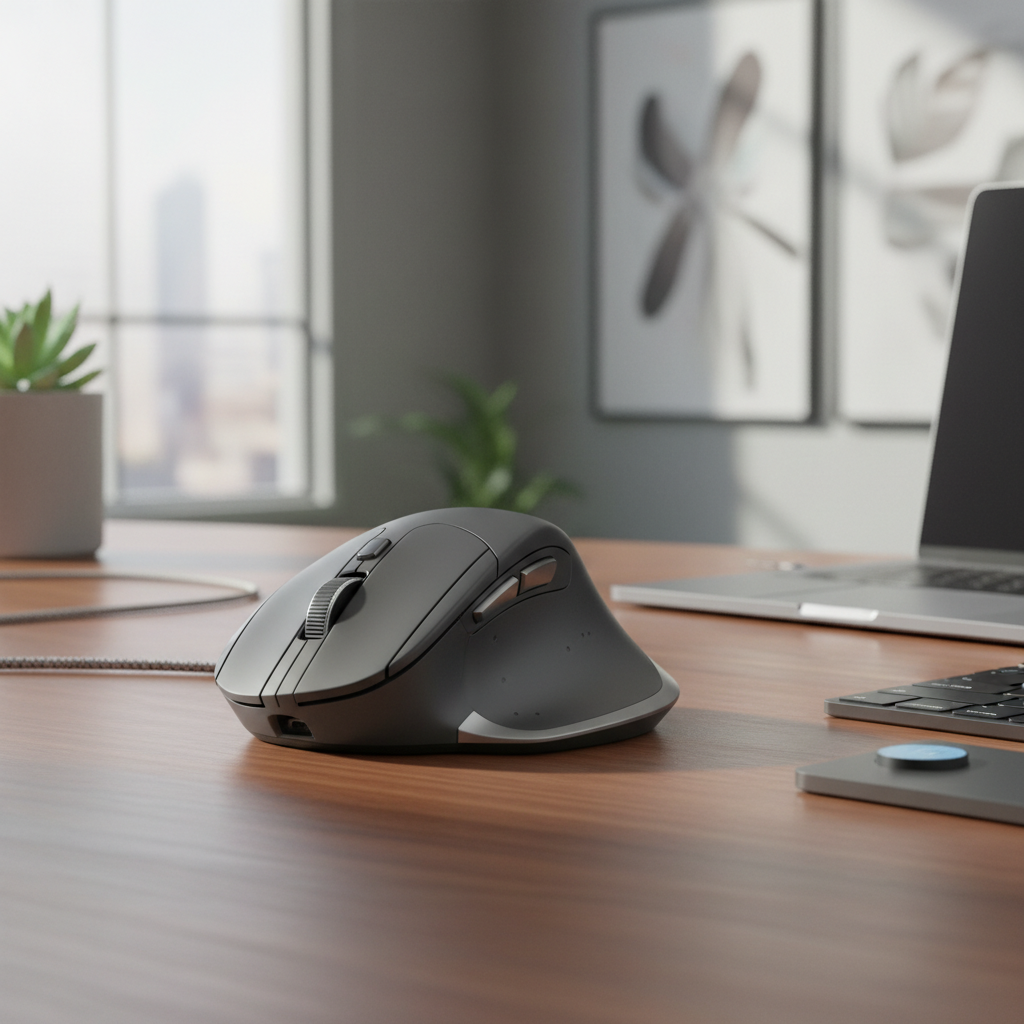
Consider the mouse’s overall shape and contour. A well-designed left-handed mouse will feature a pronounced arch and slope that cradles your palm, supporting the natural curve of your hand. Look for models with an integrated thumb rest, which prevents your thumb from dragging on the mousepad and provides a stable anchor point. Side buttons should be easily accessible with your thumb, without requiring awkward stretches or repositioning.
The material and finish also contribute to comfort. A non-slip, sweat-resistant surface is ideal for maintaining a secure grip. Weight and balance play a significant role; a mouse that is too heavy can cause fatigue, while one that’s too light might feel less precise. Some high-end models offer adjustable weights for fine-tuning. Vertical left-handed mice are another ergonomic consideration, promoting an even more neutral “handshake” grip, though they require an adaptation period.
- Left-Specific Contouring: Ensures a natural fit for the left hand, supporting the palm and fingers.
- Integrated Thumb Rest: Provides crucial support and prevents thumb drag, reducing strain.
- Optimized Button Placement: Side buttons are easily reachable with the left thumb, not the pinky or ring finger.
- Weight and Balance: Aim for a weight that feels substantial but not fatiguing, often between 80-120 grams for general use.
- Material and Coating: Choose durable, non-slip, and comfortable materials that resist sweat and grime.
- Grip Style Accommodation: Whether you use a palm, claw, or fingertip grip, the mouse should feel natural and supportive.
How do Connectivity Options and Sensor Performance Impact Left-Handed Mouse Choice?
Beyond ergonomics, a left-handed mouse’s connectivity and sensor performance directly influence its responsiveness and reliability. Your choice here should align with your usage environment and specific needs, whether for precision work, gaming, or general productivity.
Connectivity: Wired vs. Wireless
|
Our Picks for the Best Computer mouse in 2026
As an Amazon Associate I earn from qualifying purchases.
|
||
| Num | Product | Action |
|---|---|---|
| 1 | Logitech M185 Wireless Mouse, 2.4GHz with USB Mini Receiver, 12-Month Battery Life, 1000 DPI Optical Tracking, Ambidextrous PC/Mac/Laptop - Swift Grey |

|
| 2 | Wireless Bluetooth Mouse, Rechargeable, LED, Silent, Ultra-thin Design (Bluetooth 5.2 and 2.4GHz USB Receiver) | Portable Computer Mouse for Laptops, iPads, MacBooks and Apple Devices (Black) |
|
| 3 | acer Wireless Mouse for Laptop, 2.4GHz Computer Mouse 3 Adjustable DPI Office Cordless USB Mice with USBA Receiver, 6 Buttons, 1600 DPI, Medium to Large Sized Hands Compatible with PC, Laptop, Desktop |
|
| 4 | Logitech MX Master 4, Ergonomic Wireless Mouse with Advanced Performance Haptic Feedback, Ultra-Fast Scrolling, USB-C Charging, Bluetooth, Windows, MacOS - Graphite |
|
| 5 | TECKNET Ergonomic Mouse, Wireless Vertical Mouse, 4800 DPI, Rechargeable Bluetooth Mice for Carpal Tunnel Right Hand, 3-Device Connectivity for Laptop, PC, MacBook, Black |
|
| 6 | Redragon M997 Magnesium Alloy Wireless Gaming Mouse, Tri-Mode BT & 2.4GHz, Ultra Lightweight Ergonomic Mouse, 1000Hz, Rechargeable for PC Laptop, Starlight Black |
|
| 7 | Logitech M510 Wireless Mouse, 2.4 GHz with USB Unifying Receiver, 1000 DPI Laser-Grade Tracking, 7-Buttons, 24-Months Battery Life, PC/Mac/Laptop - Graphite |
|
| 8 | Logitech B100 Wired Mouse for Computer and Laptop, USB Corded Mouse, Right or Left Hand Use - Black |
|
| 9 | Amazon Basics 3-Button USB Wired Mouse with Responsive Tracking, Plug & Play, Compatible with Windows and Mac, Black |
|
| 10 | Amazon Basics 2.4 Ghz Wireless Optical Computer Mouse with USB Nano Receiver, Black |
|
Wired mice offer zero latency and never run out of battery, making them reliable choices for competitive gaming or mission-critical tasks where even a millisecond delay is unacceptable. Modern wired mice often feature flexible, paracord-like cables to minimize drag, though cable management remains a consideration. They are generally plug-and-play, requiring no pairing or charging.
Wireless mice provide unmatched freedom of movement and a clutter-free desk. In 2026, wireless technology has advanced significantly. 2.4GHz wireless (via a USB dongle) delivers near-wired performance with low latency, ideal for most users and even many gamers. Bluetooth 5.2+ offers broader compatibility with various devices (laptops, tablets) without needing a dongle, though it typically has slightly higher latency and can be less reliable in busy wireless environments. Look for models with long battery life (70-120+ hours on a single charge) and convenient USB-C charging or even wireless charging capabilities.
Sensor Performance: Precision and Responsiveness
The mouse’s sensor is its “eyes” and determines its accuracy and tracking capabilities. Key specifications include DPI (Dots Per Inch) or CPI (Counts Per Inch), IPS (Inches Per Second), and polling rate.
DPI/CPI indicates the sensor’s sensitivity. Higher DPI means the cursor moves further on screen with less physical mouse movement. While most users operate between 800-3200 DPI, modern sensors offer ranges from 400 up to 26,000+ DPI, allowing for extreme precision or rapid cursor traversal. Look for mice with on-the-fly DPI adjustment buttons.
IPS (tracking speed) measures how fast the sensor can accurately track movement without spinning out. High IPS values (e.g., 400+ IPS) are crucial for fast-paced gaming or large, rapid movements. The polling rate (measured in Hz) specifies how often the mouse reports its position to the computer. A 1000 Hz polling rate means the mouse reports 1000 times per second, resulting in smoother, more responsive cursor movement. Some high-end gaming mice now offer 8000 Hz polling rates, though the benefit for non-gamers is minimal.
Modern optical sensors are generally superior to laser for most surfaces and offer excellent tracking. Ensure the sensor provides consistent tracking without acceleration or prediction, which can hinder precision.
Which Left-Handed Mouse Models Offer the Best Value and Performance in 2026?
The market for left-handed mice has grown, offering compelling options across various price points and use cases. While specific model names may evolve, certain brands consistently deliver quality. Here are examples of types and features you should expect to find in 2026, showcasing the diversity available.
| Model Type (Example) | Ergonomic Style | Connectivity | DPI Range | Programmable Buttons | Key Features |
|---|---|---|---|---|---|
| Logitech MX Master 3S Left-Handed | Contoured Ergonomic (Palm/Claw) | 2.4GHz Wireless, Bluetooth 5.2 | 200-8000 DPI | 7 (incl. gesture button) | MagSpeed electromagnetic scroll wheel, Flow multi-device control, USB-C fast charging, quiet click technology (up to 90% quieter). |
| Razer DeathAdder V3 Left | Gaming Ergonomic (Palm/Claw) | Wired (Speedflex Cable) | 100-30,000 DPI | 6 | Focus Pro 30K Optical Sensor, Optical Mouse Switches Gen-3, lightweight design (approx. 60g), 8000 Hz polling rate. |
| Prowler Ergo-L Vertical Wireless | Vertical Ergonomic (Handshake) | 2.4GHz Wireless, Bluetooth 5.0 | 800-4000 DPI | 5 | Natural handshake grip, adjustable tilt angle, long battery life (100+ hours), silent clicks, good for RSI prevention. |
| SteelSeries Aerox 9 Left-Handed | Lightweight Gaming (Claw/Fingertip) | 2.4GHz Wireless, Bluetooth 5.0 | 100-18,000 DPI | 9 | AquaBarrier protection (IP54), TrueMove Air optical sensor, lightweight (74g), USB-C charging, modular side panels. |
Note: Specific model names and exact specifications are illustrative examples for a 2026 context. Actual products may vary.
What Advanced Features Should Left-Handed Power Users Consider?
For left-handed power users, whether in professional creative fields, competitive gaming, or intensive productivity roles, advanced features can significantly enhance efficiency and comfort. These go beyond basic functionality, offering deeper customization and performance.
Programmable Buttons and Macros: Many high-end left-handed mice offer 5 to 12+ programmable buttons. These can be assigned to specific functions, keyboard shortcuts, or complex multi-step macros, streamlining workflows in applications like Adobe Creative Suite, CAD software, or MMO games. On-board memory allows you to store these profiles directly on the mouse, making them accessible across different computers without software installation.
Customizable Weight Systems: Some gaming and professional mice include removable weights. This allows you to fine-tune the mouse’s feel and balance, adapting it to your grip style and preferred movement dynamics. Other features like hyper-fast scroll wheels (for rapid document navigation), adjustable lift-off distance (LOD), and robust software suites for deep customization of DPI, button assignments, and RGB lighting further cater to power users. Long battery life with rapid USB-C charging or even wireless charging compatibility (Qi standard) also ensures minimal downtime.
Frequently Asked Questions
Are ambidextrous mice good enough for left-handed users?
While ambidextrous mice can be used by either hand, they rarely offer the same level of ergonomic support as a truly left-specific design. They lack the dedicated thumb rests and contoured palm support that prevent wrist strain and promote a neutral posture for left-handed individuals. For long-term comfort and health, a dedicated left-handed mouse is superior.
How do I determine my grip style?
Observe how your hand rests on the mouse. A palm grip means your entire palm rests on the mouse. A claw grip involves your palm resting on the back of the mouse, with fingers arched like a claw. A fingertip grip means only your fingertips touch the mouse, and your palm is elevated. Knowing your grip helps you choose a mouse shape that provides optimal support.